Detecting Distributed Credential Stuffing Attacks
In each of the previous examples the credential attack was detected by some specific common attribute of the request. Either the same username, same IP address, or same DeviceID.
However, an attack may come from so many different IP addresses and devices and with so many different usernames that these methods are not capable of detecting the attack. This is considered a distributed attack.
With F5 Advanced WAF, distributed attacks can be detected by monitoring the total number of failed logins within a detection period.
- F5 Advanced WAF is also capable of detecting the use of known stolen credentials within these distributed attacks by comparing the
- login attempts against a list of known leaked credentials.
Enable Distributed Brute Force Detection
In the BIG-IP browse to Security >> Application Security >> Brute Force Attack Prevention and select the /user/login page.
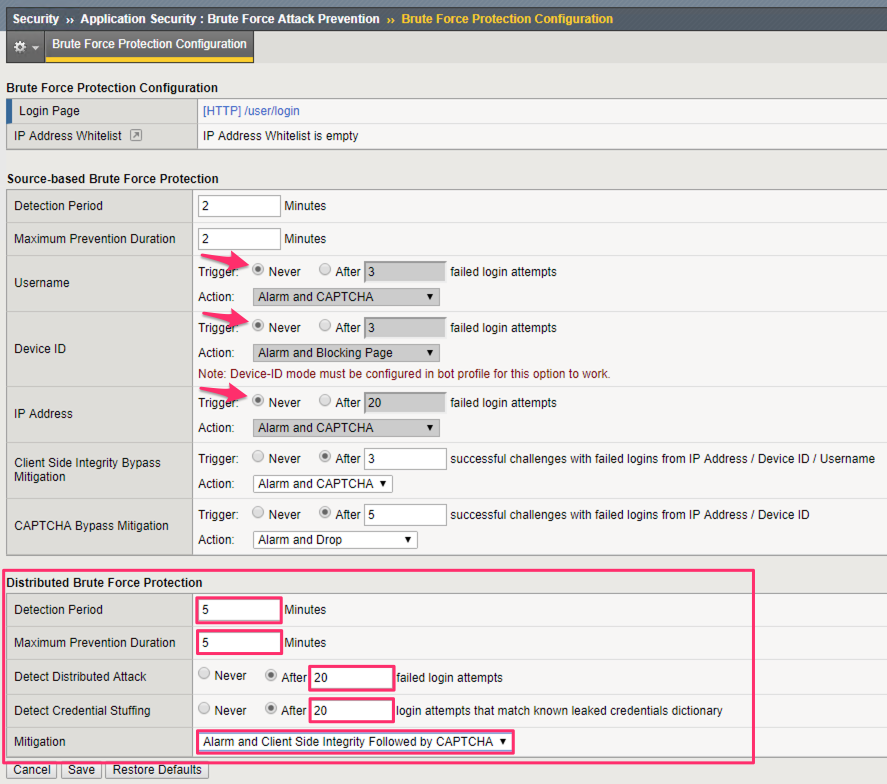
Disable each of the Source-based detection methods by setting the Trigger to Never.
Configure the Distributed Brute Force Detection as follows:
- Detection Period: 5 Minutes
- Maximum Prevention Duration: 5 Minutes
- Detect Distributed Attack: After 20 failed login attempts
- Detect Credential Stuffing: After 20 login attempts that match leaked credentials dictionary
- Mitigation: Alarm and Client Side Integrity Followed by CAPTCHA
Click Save.
Warning
Click Apply Policy to make these changes effective in the policy.

Run Credential Stuffing Attack with SentryMBA
Important
For the purposes of this lab, SentryMBA is configured to use a proxy.
On the Windows Desktop, open
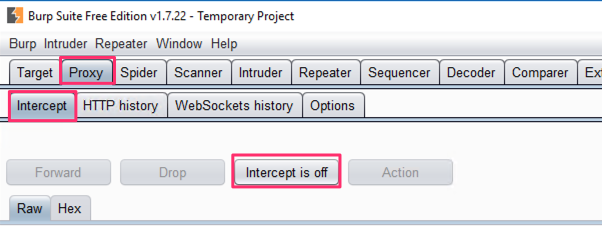
and turn off Intercept. Do not update Burp Suite, choose Temporary Project, and use Burp defaults.
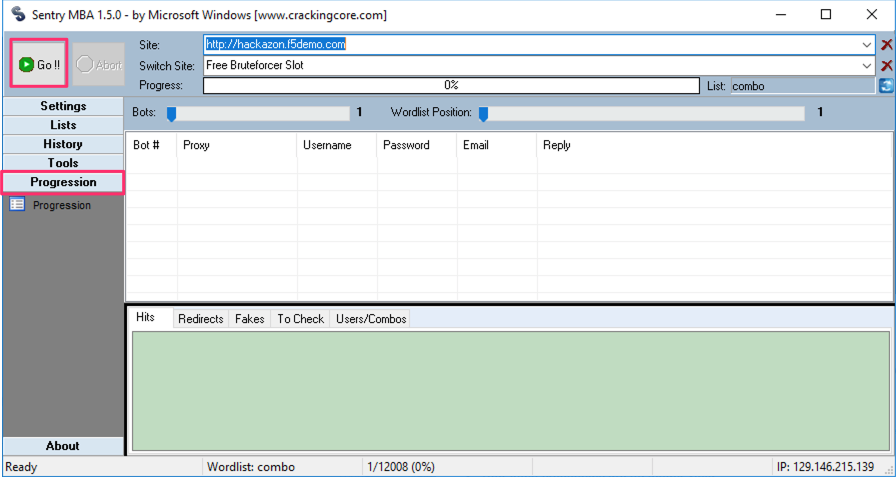
On the Windows Desktop, open the SentryMBA tool.
The SentryMBA tool is pre-configured to attack the Hackazon login page with a list of stolen credentials.
In the SentryMBA screen switch to the Progression screen and then click Go!! to start the attack.
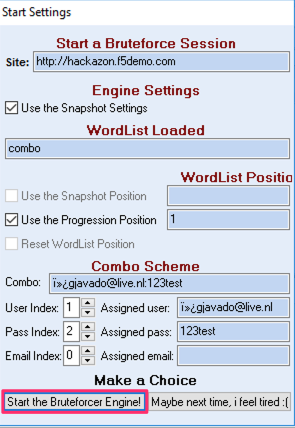
In the Start Settings pop-up, click Start the Bruteforcer Engine! to begin the attack.

Review Credential Stuffing Log
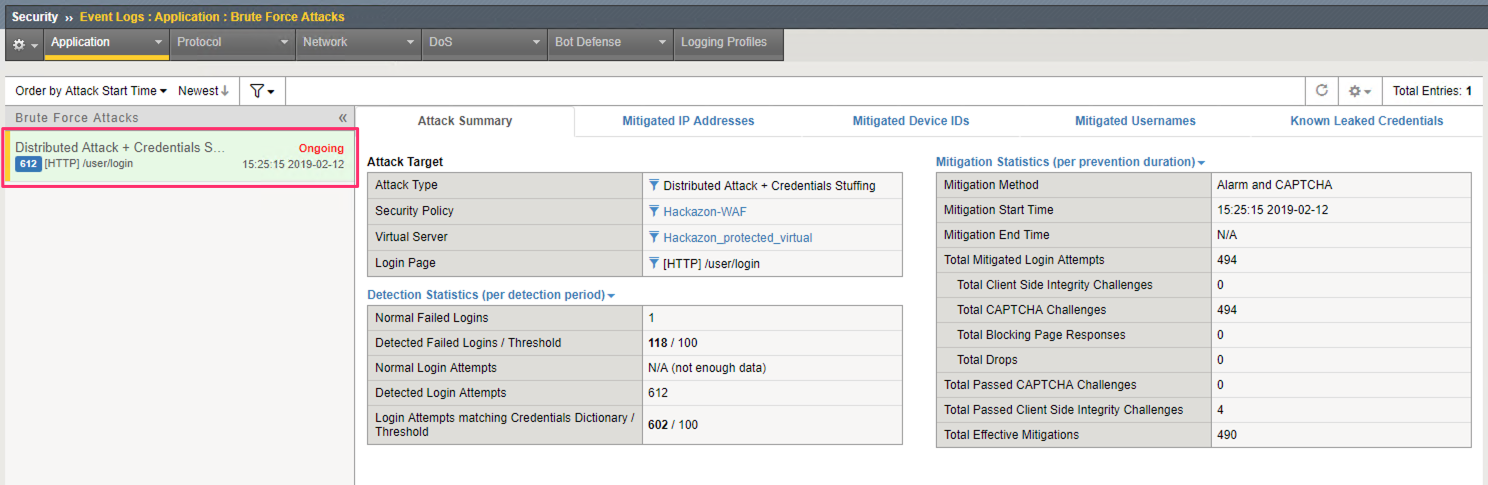
In the BIG-IP browse to the ASM Request log at Security >> Event Logs >> Application >> Brute Force Attacks.
You should see an Ongoing Attack. Review the Attack Summary tab.
Note
The Attack Type is listed as Distributed Attack + Credential Stuffing. This indicates that F5 Advanced WAF detected a widely distributed attack that also used known stolen credentials.
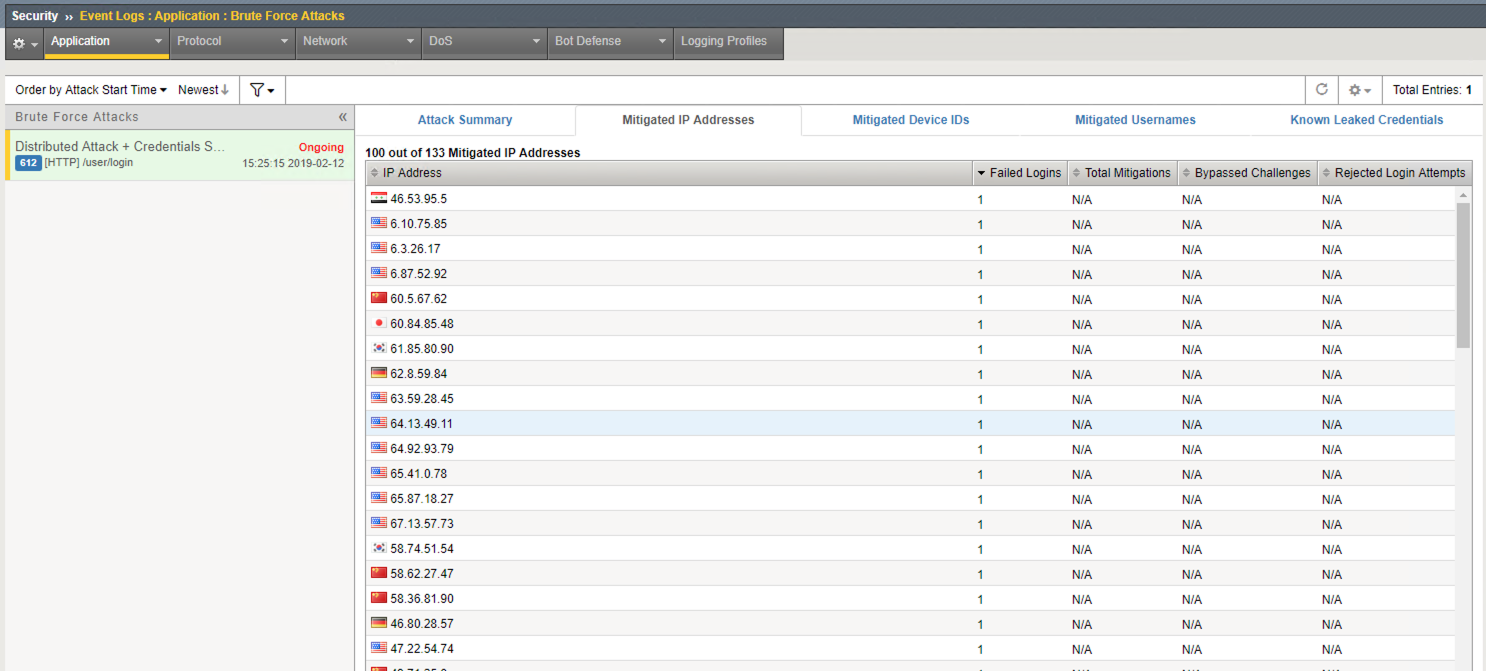
Review the Mitigated IP Addresses tab.
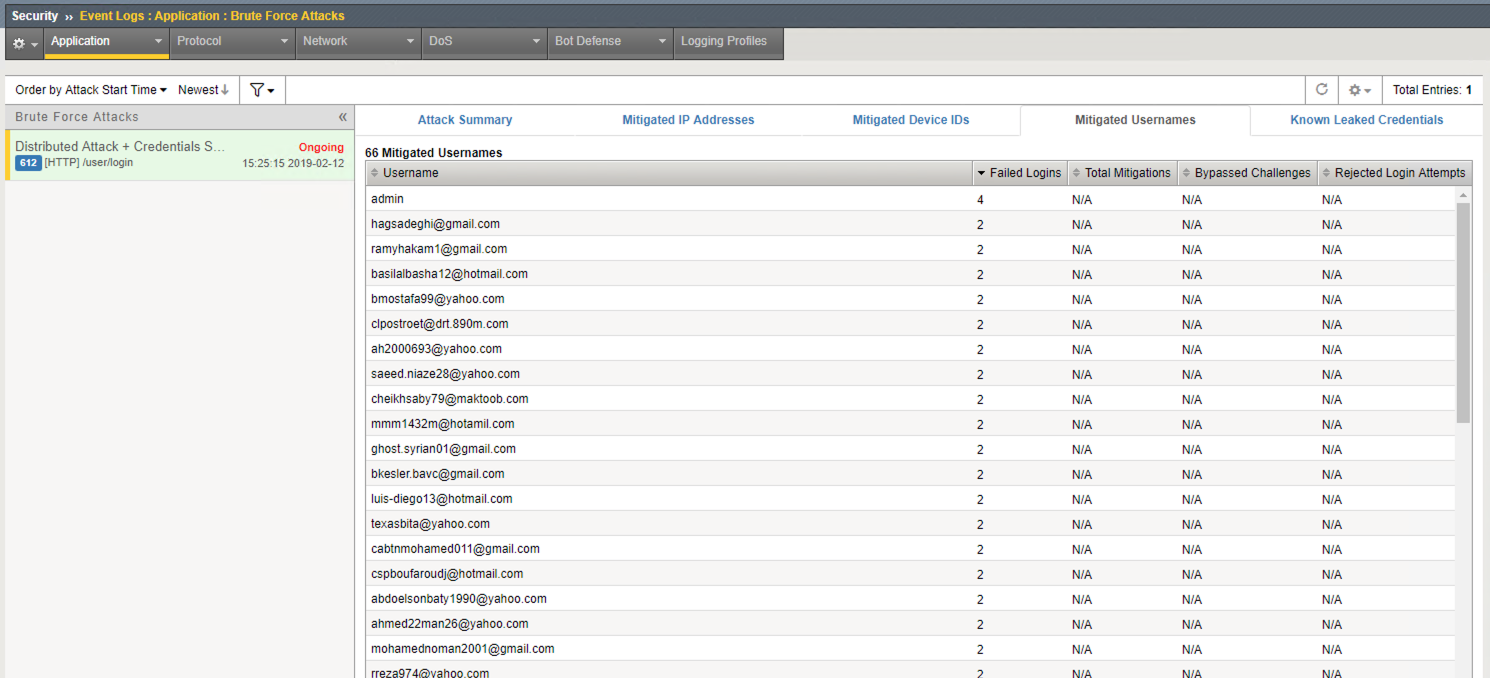
Review the Mitigated Usernames tab.
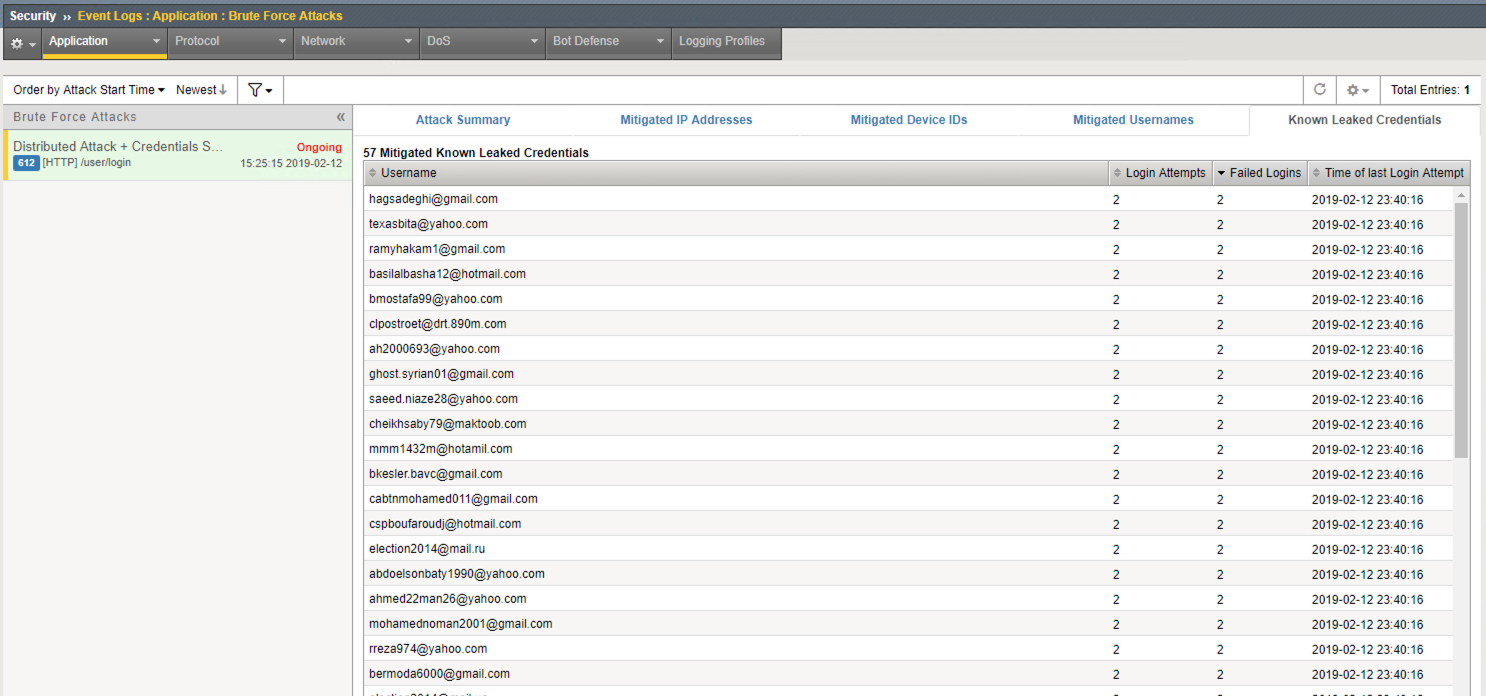
Review the Known Leaked Credentials tab.